Members and Contacts - Certificates
With Mentortools, you can view a member's certificates. This is very useful for tracking your participants' progress and seeing who is really completing your courses. This way, you can get to know your community better, target them specifically, and send them personalized offers. You can also motivate your participants by acknowledging their achievements and making their performance visible.
Last updated 12 months ago
How to Find a Member's Certificates
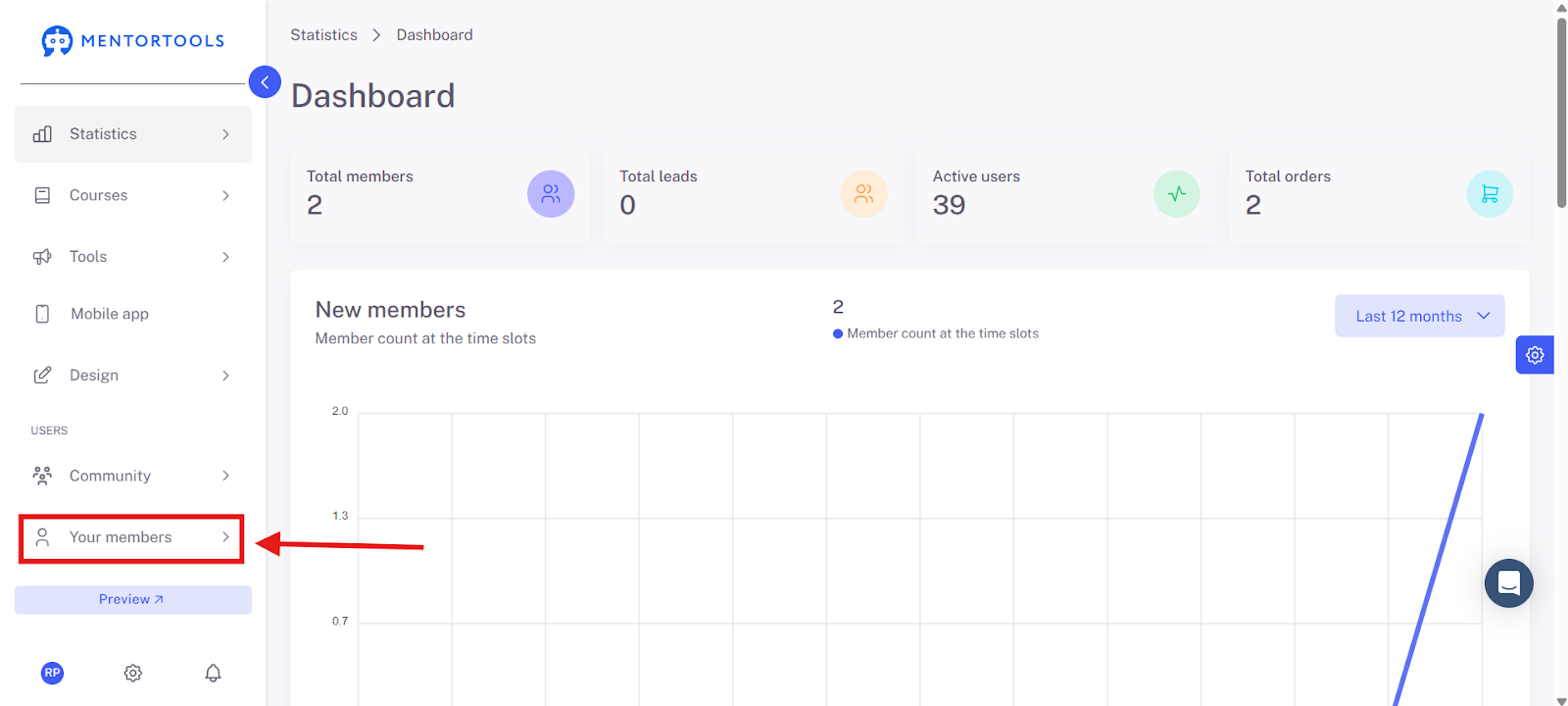
1. Click on "Members" in the left menu.
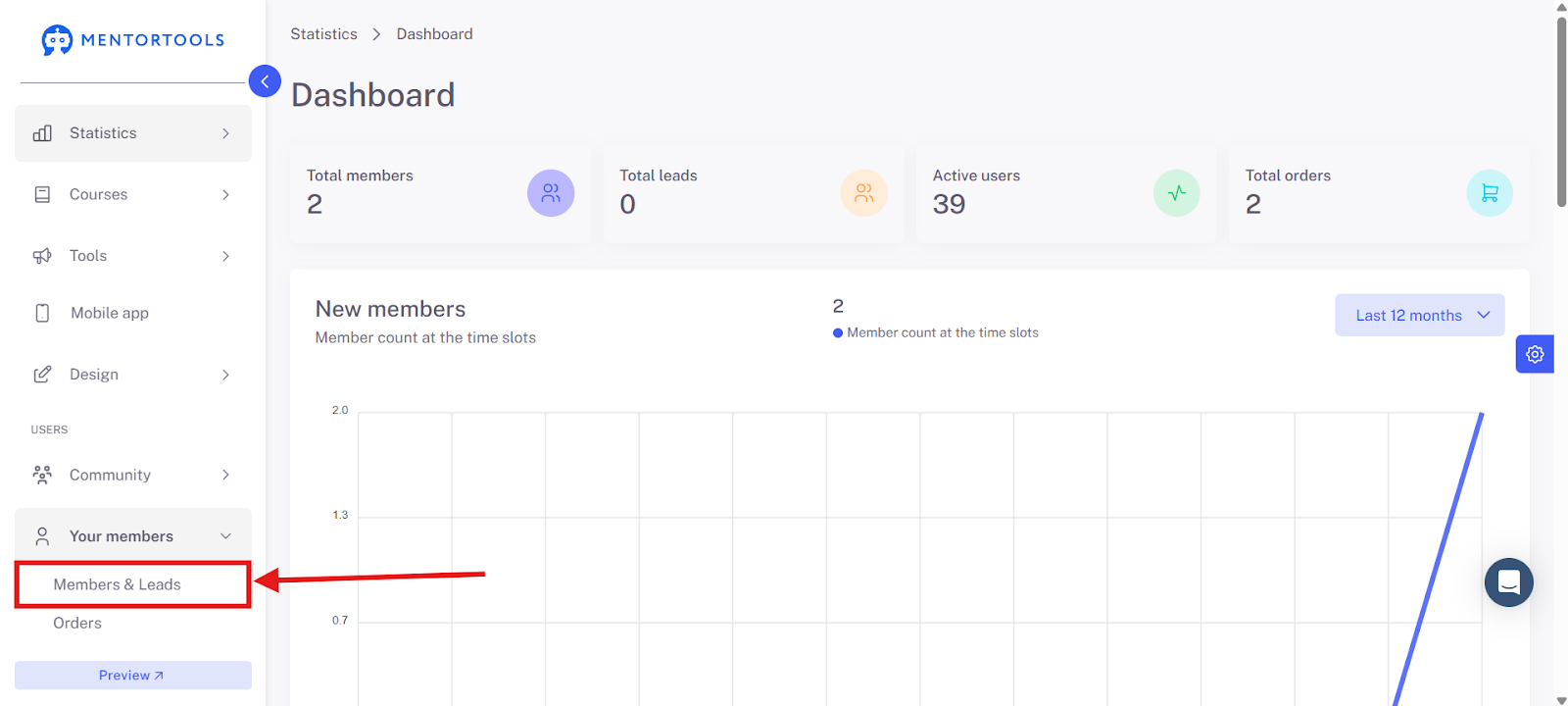
2. Select "Members and Leads."
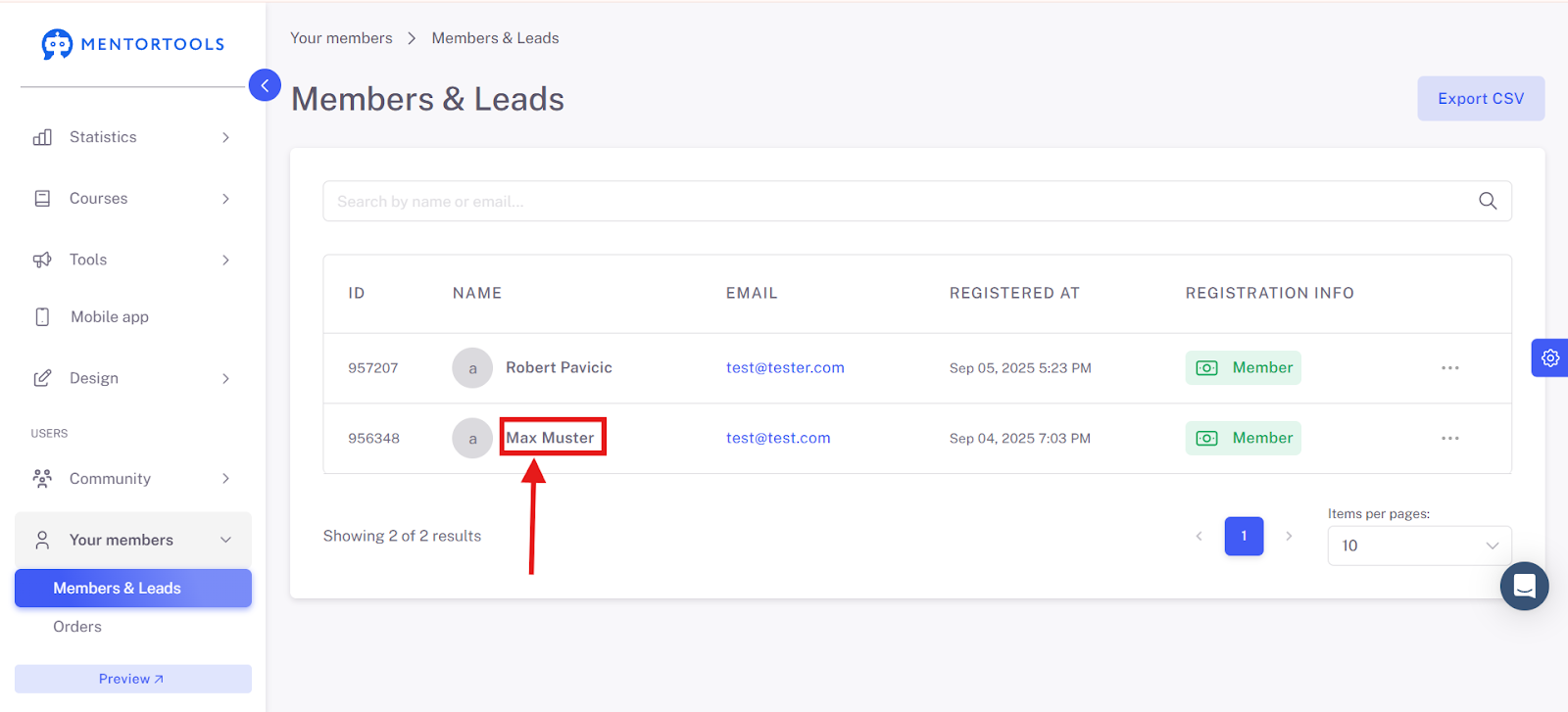
3. Click on the desired member (e.g., "Max Muster").
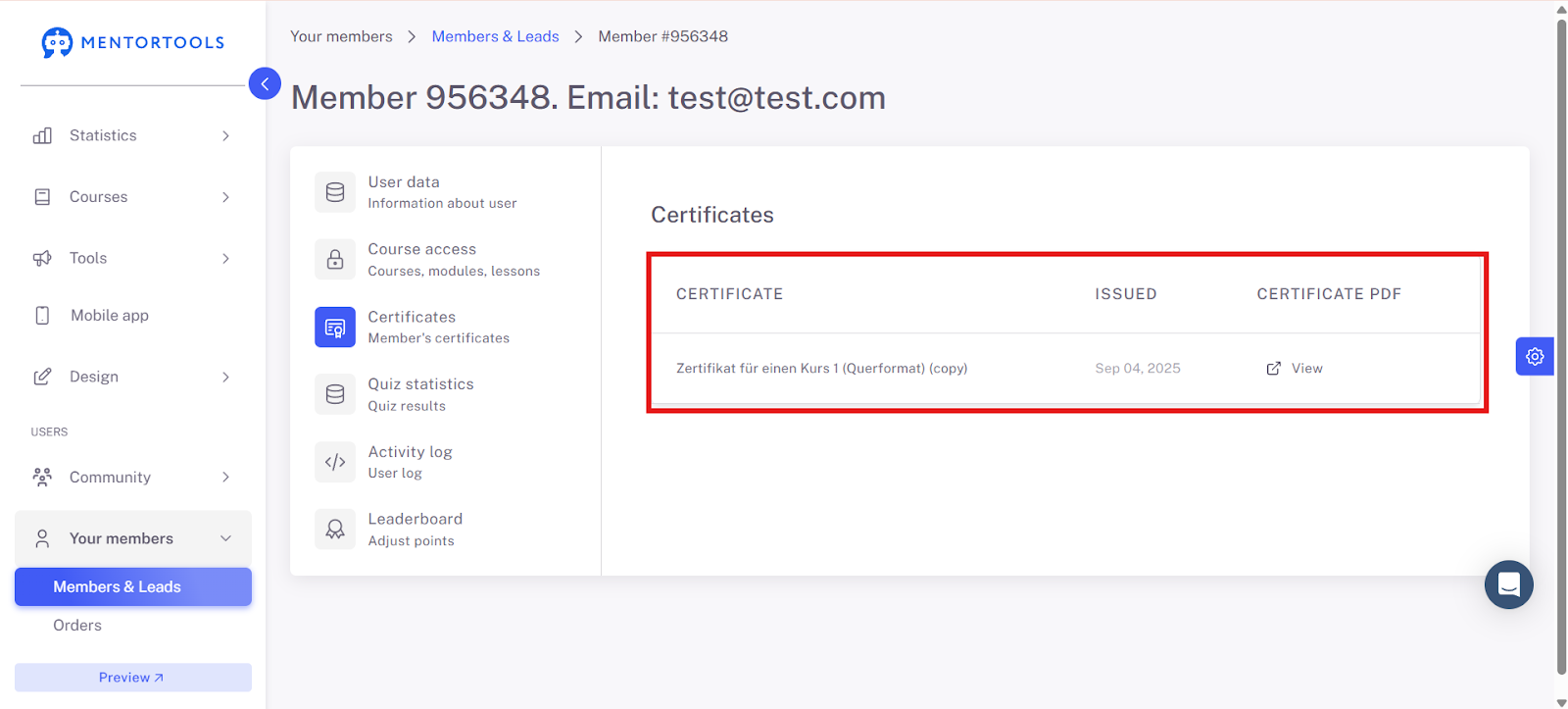
4. Select "Certificates."
Now you have an overview of all of this member's certificates.
Summary
You have learned how to view your members' certificates. This not only helps you track their learning progress but also get to know your community better. This way, you can target your participants more effectively and motivate them for their achievements.