Login page – Images
The login page allows your participants to securely log in to your member area. Design it to be inviting and to match your platform.
Last updated 12 months ago
For better clarity when editing, we have divided this into two sections: text settings and images.
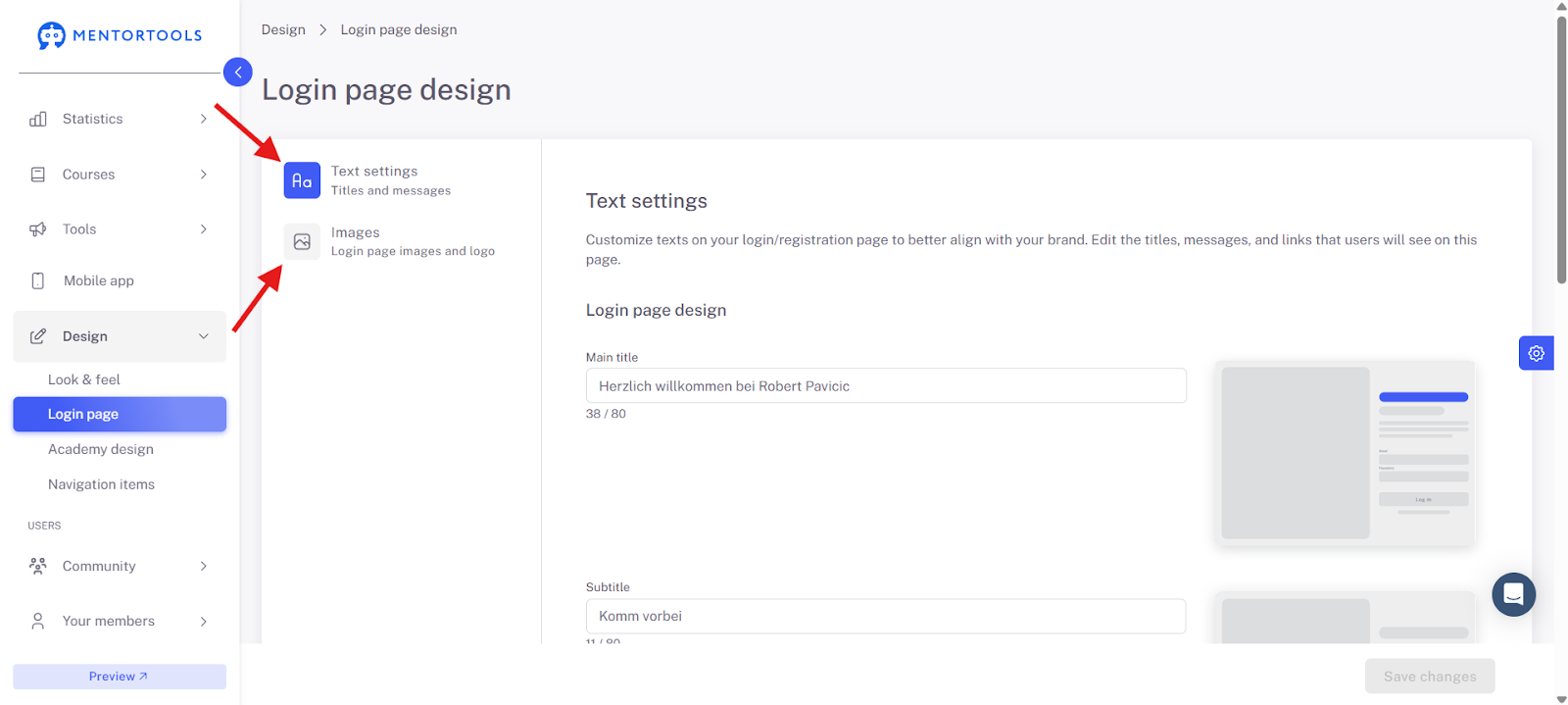
Image Settings
Here you can set the following:
Image for Desktop
Image for Mobile
Logo
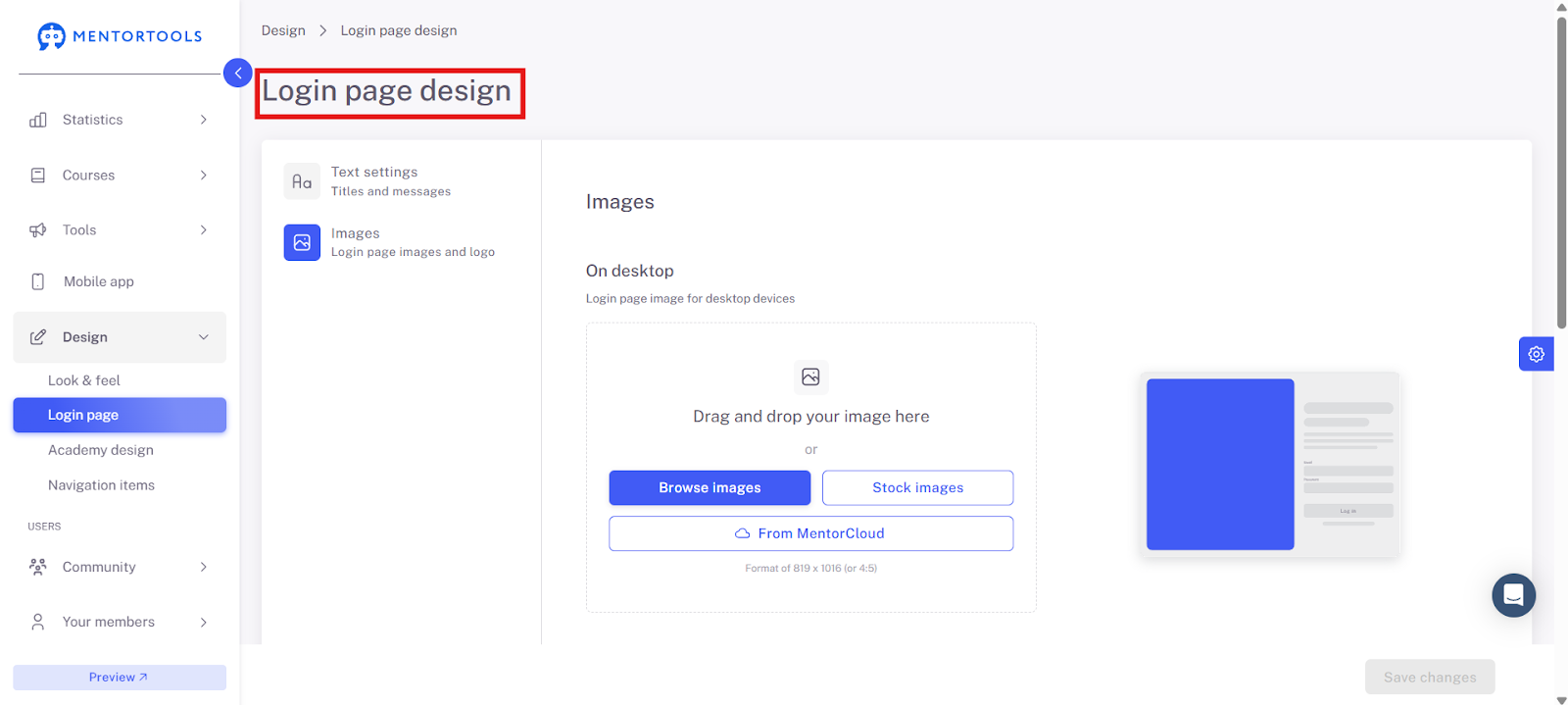
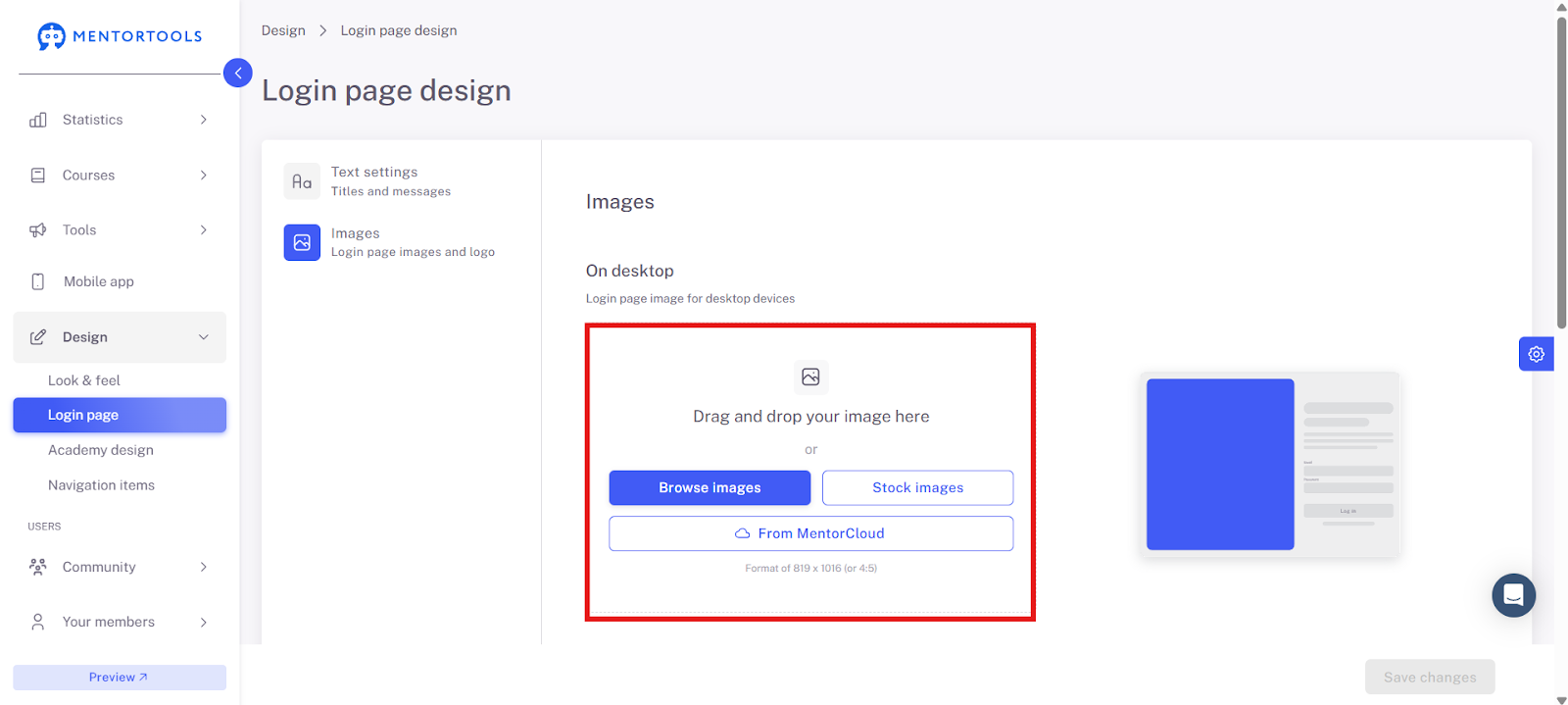
Upload your images for the desktop and mobile views here. Your logo should also be included.
Important: Always remember to click "Save changes."
You can upload these files from your own files, from the media library, or select a template from our license-free images.
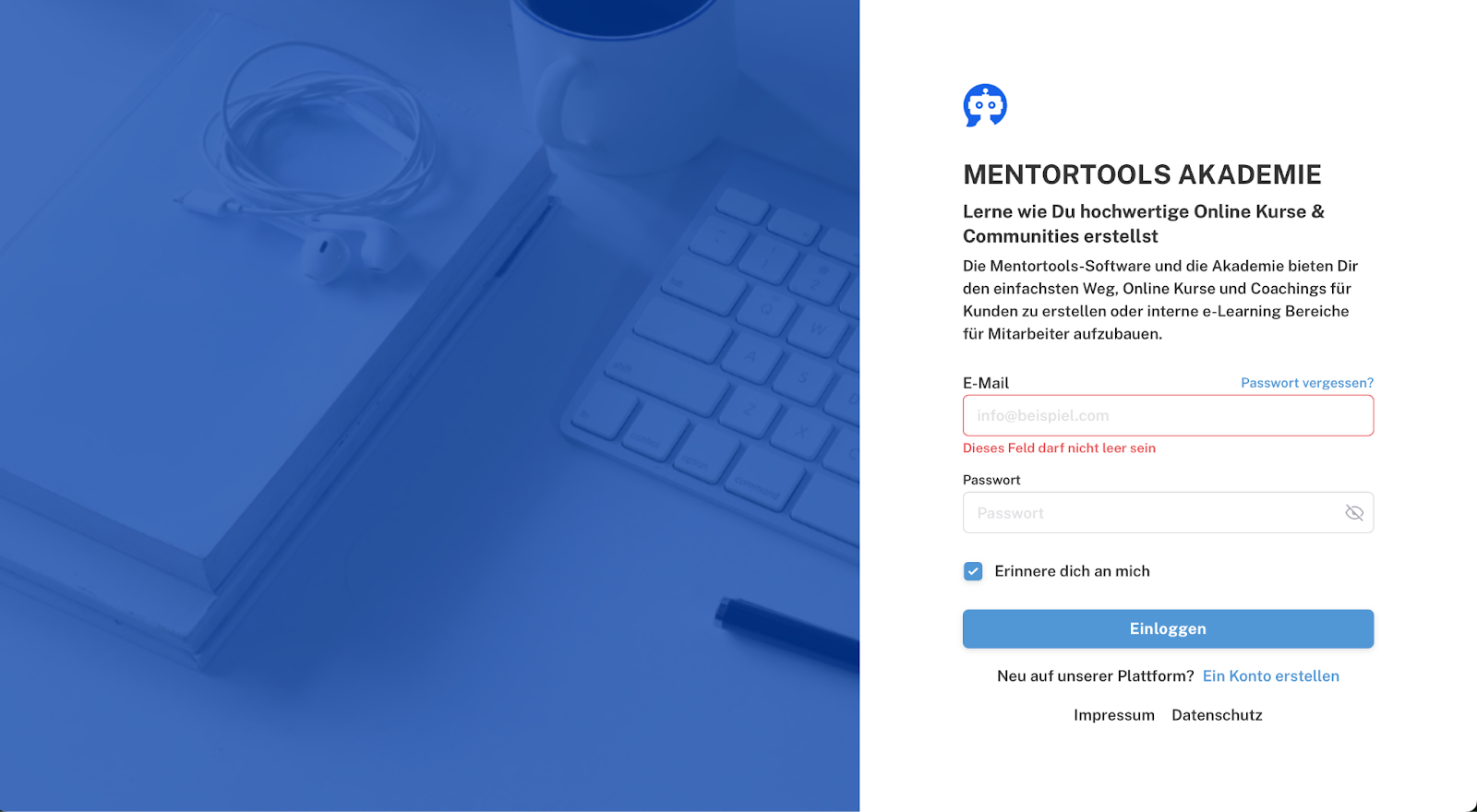
Here you can see the login page of the Mentortools Academy as an example.
Don't forget to save all changes at the end—click the blue "Save changes" button!
Have fun and continued success!