Login Page – Texts
The login page allows your participants to securely log in to your member area. Design it to be inviting and to match your platform.
Last updated 12 months ago
For better clarity when editing, we have divided this into two sections: text settings and images.

Text Settings
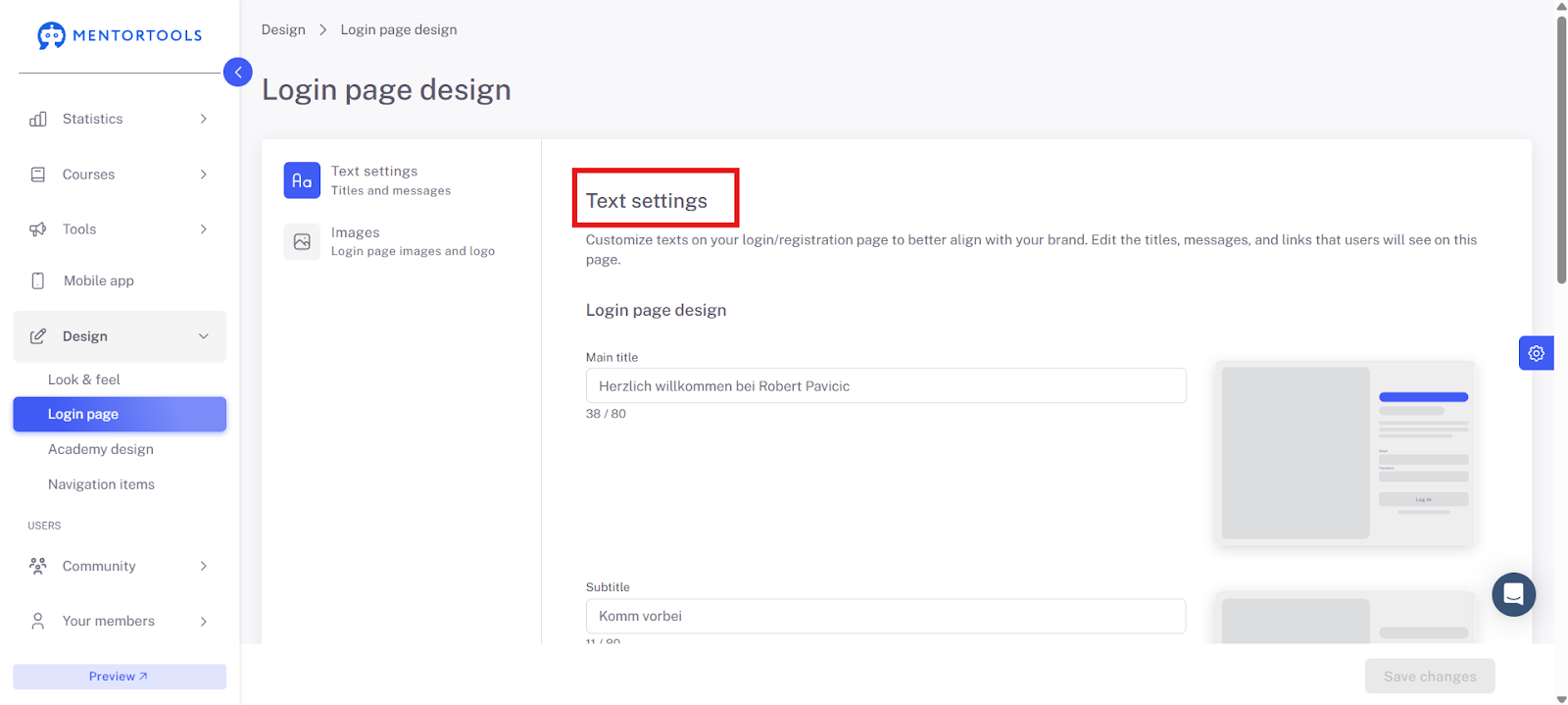
Add the texts for your login page here. Note the character limit (this is always indicated).
Here you can edit the text for the following areas:
Main Title
Subtitle
Welcome Text
Login Text
Help Text
Main Title This title is the first thing your members see, so you can use it for a welcome message, for example.
Subtitle Next, the subtitle is displayed. Simply click on the field and replace the standard text.
Welcome Text You can use this text to encourage and motivate visitors to continue exploring your courses. Adapt it to reflect the style of your academy and create a pleasant atmosphere from the very beginning.
Login Text Prompt interested people who have not yet registered to sign up.
Help Text Here you can provide instructions on what your members should do if they have not received a new password.
Don't forget to save all changes at the end—click the blue "Save changes" button!
Have fun and continued success!